
Sizing and selection
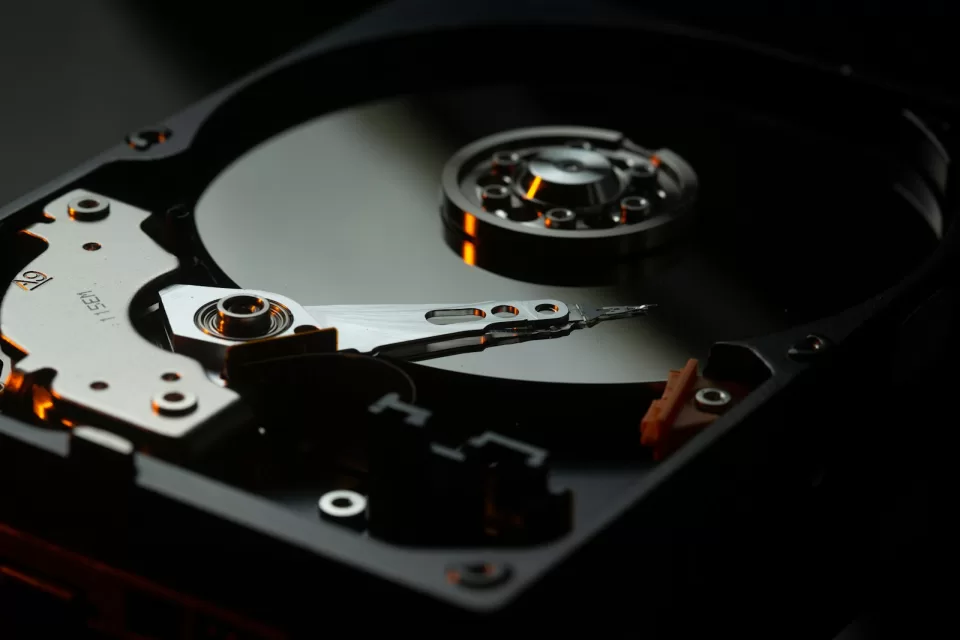
Rack or tower, CPU, memory, enterprise HDD and SSD, RAID controllers and redundant power where the platform supports it.
We size from the applications you actually run and the growth you actually expect, deploy and harden the operating systems, and consolidate onto virtualization where it genuinely helps recovery and workload separation.
Virtualization is the default answer for good reasons — better hardware utilisation, easier recovery, cleaner workload separation. It is not a universal one. Some scientific and line-of-business applications are supported only on specific configurations, and vendor support matters more than elegance.
Platform selection follows application compatibility, vendor support, licensing and your operating requirements.
Rack or tower, CPU, memory, enterprise HDD and SSD, RAID controllers and redundant power where the platform supports it.
Windows Server and Linux installed to a documented baseline rather than defaults.
Active Directory, DNS and DHCP, and integration with cloud identity where it applies.
Shared storage with permissions that reflect roles, plus application and database hosting infrastructure.
Hypervisor deployment, virtual machine planning, resource allocation, virtual networking and storage integration.
Availability, resource and disk-capacity monitoring, so expansion is planned rather than urgent.
No. Snapshots are not a replacement for independent backups — they generally live on the same storage as the data they protect, so they do not survive the failure that matters most. They are useful for short-term rollback around a change, and that is all we rely on them for.
Sometimes. Where applications are cloud-suitable and the economics work, it removes a lot of hardware lifecycle burden. Where scientific or line-of-business applications require local servers, or data volumes make egress expensive, a hybrid is usually better. We will give you the honest comparison.
Typically five years of primary service, with lifecycle and firmware planning from day one. The useful discipline is deciding the replacement point in advance rather than running hardware until it fails.
Tell us what applications you run and roughly how many users depend on them.
Share the problem, the platform and the deadline. We will come back with an approach, a team and an estimate.